HomeStore

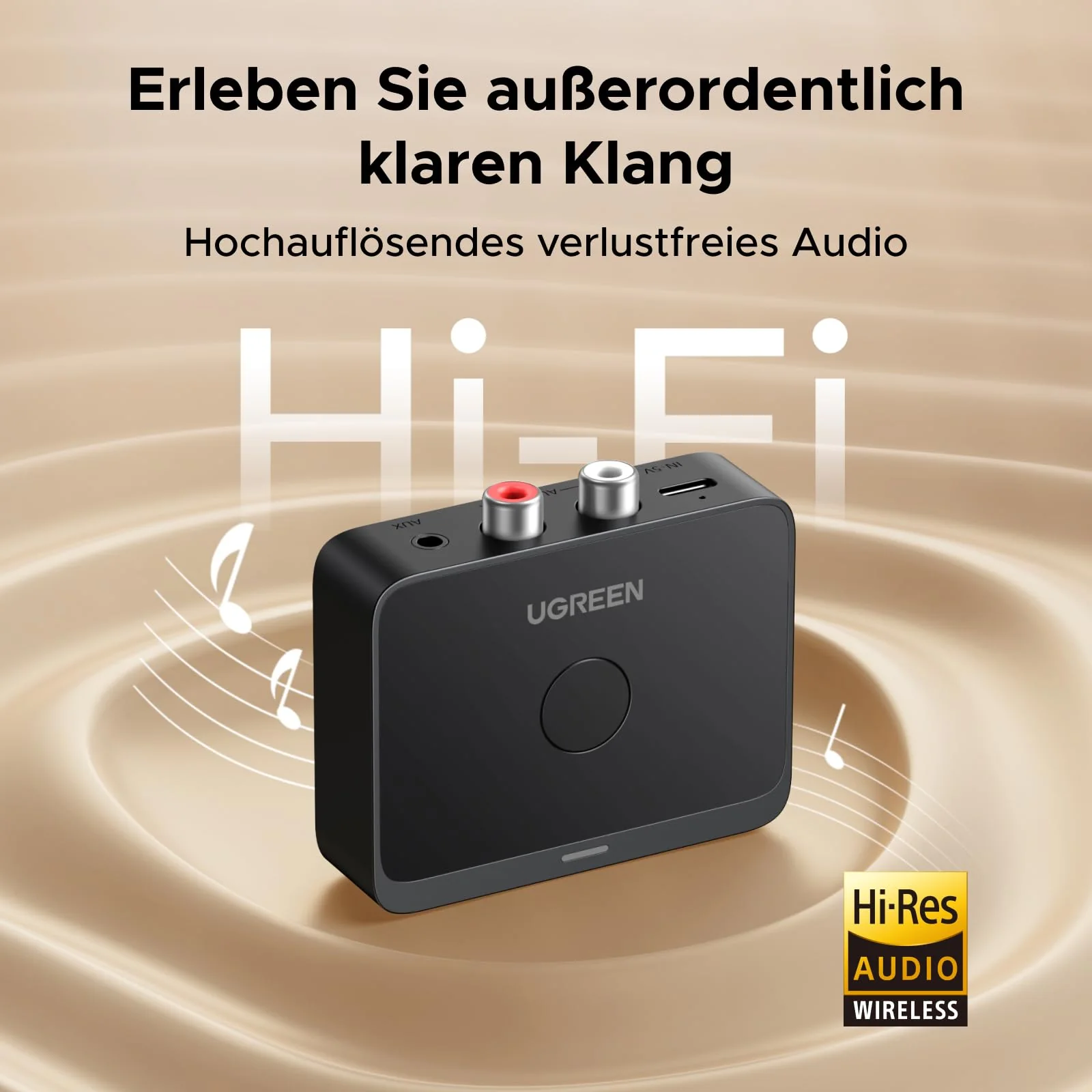
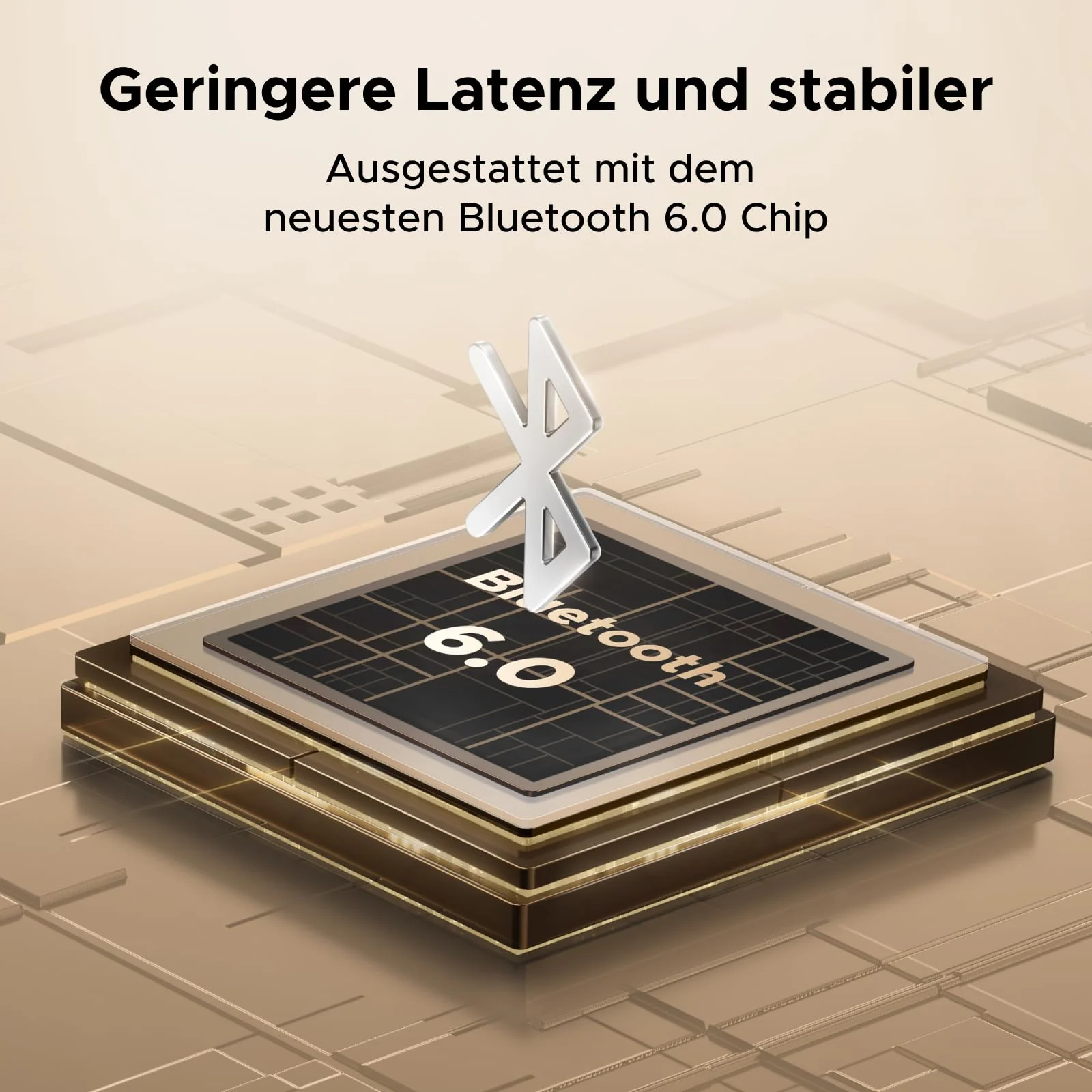
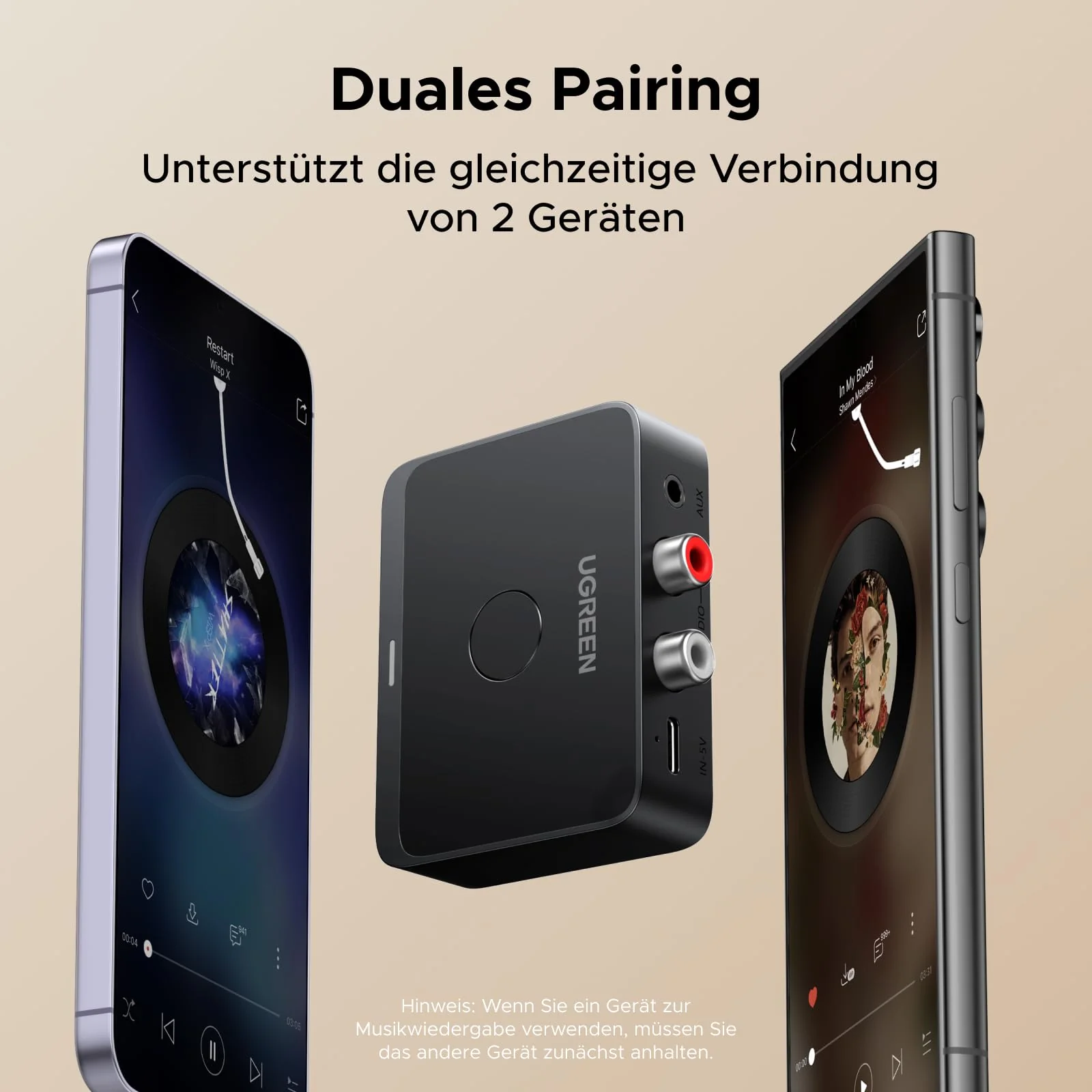
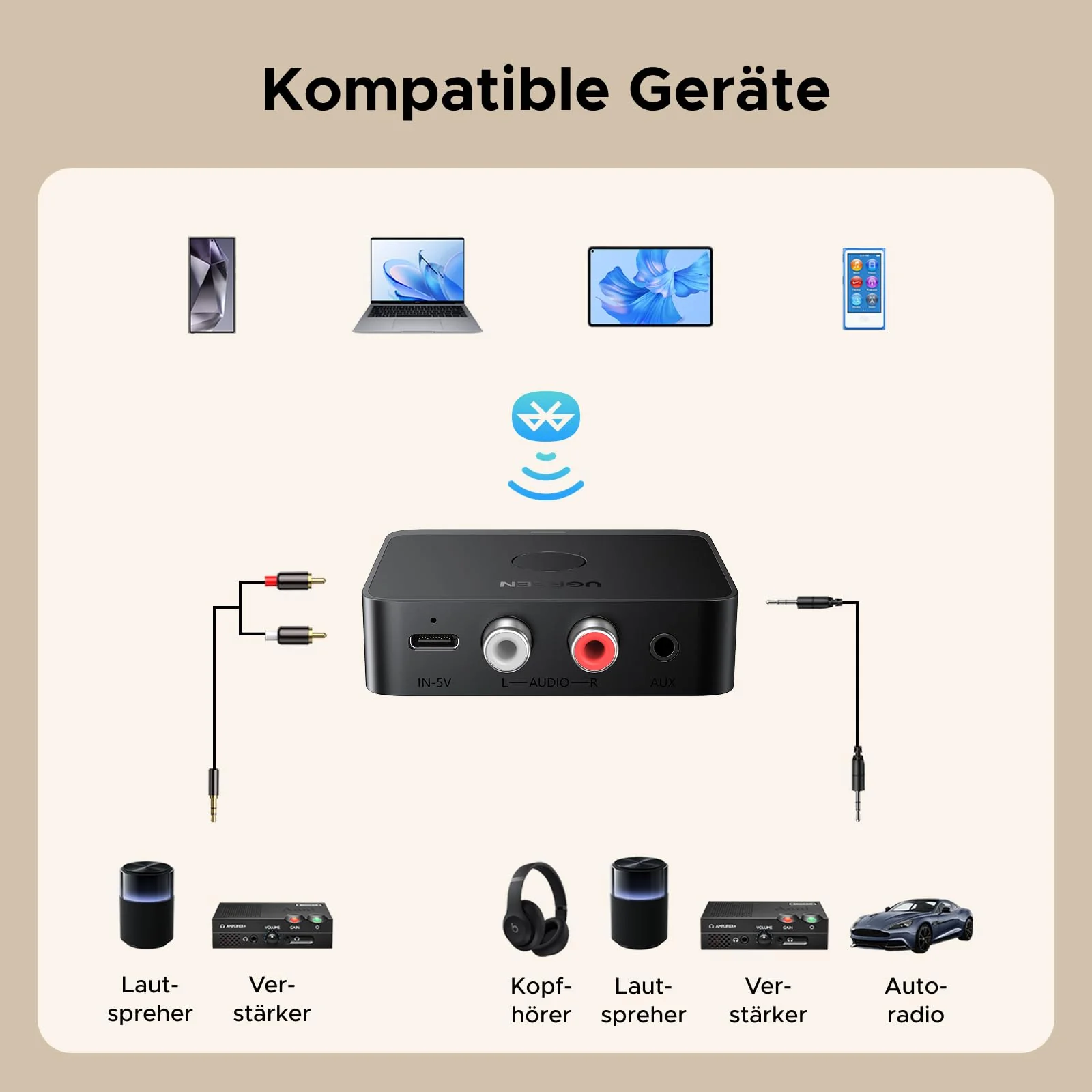
UGREEN Bluetooth 6.0 LDAC Hi-Res Audio Adapter

Product image 1
Product image 2
Product image 3
Product image 4
Product image 5
Product image 6
Product image 7
Product image 8
Product image 9

UGREEN Bluetooth 6.0 LDAC Hi-Res Audio Adapter

Bluetooth Adapter

Bluetooth Adapter


F1:How can I tell if my phone supports LDAC?

A1: Phones with Android 8.0 and above generally support LDAC. iPhones only support SBC/AAC coding, but not LDAC. You can also check your phone's manual to confirm.

F2:How can I tell if the product is LDAC-capable?

A2:The product gives LDAC priority by default, and the product indicator lights up green when audio is being played at this time. On some phones, LDAC may need to be enabled manually. Please contact your phone manufacturer to inquire about the way to enable LDAC.

F3:Why should I select the bitrate?

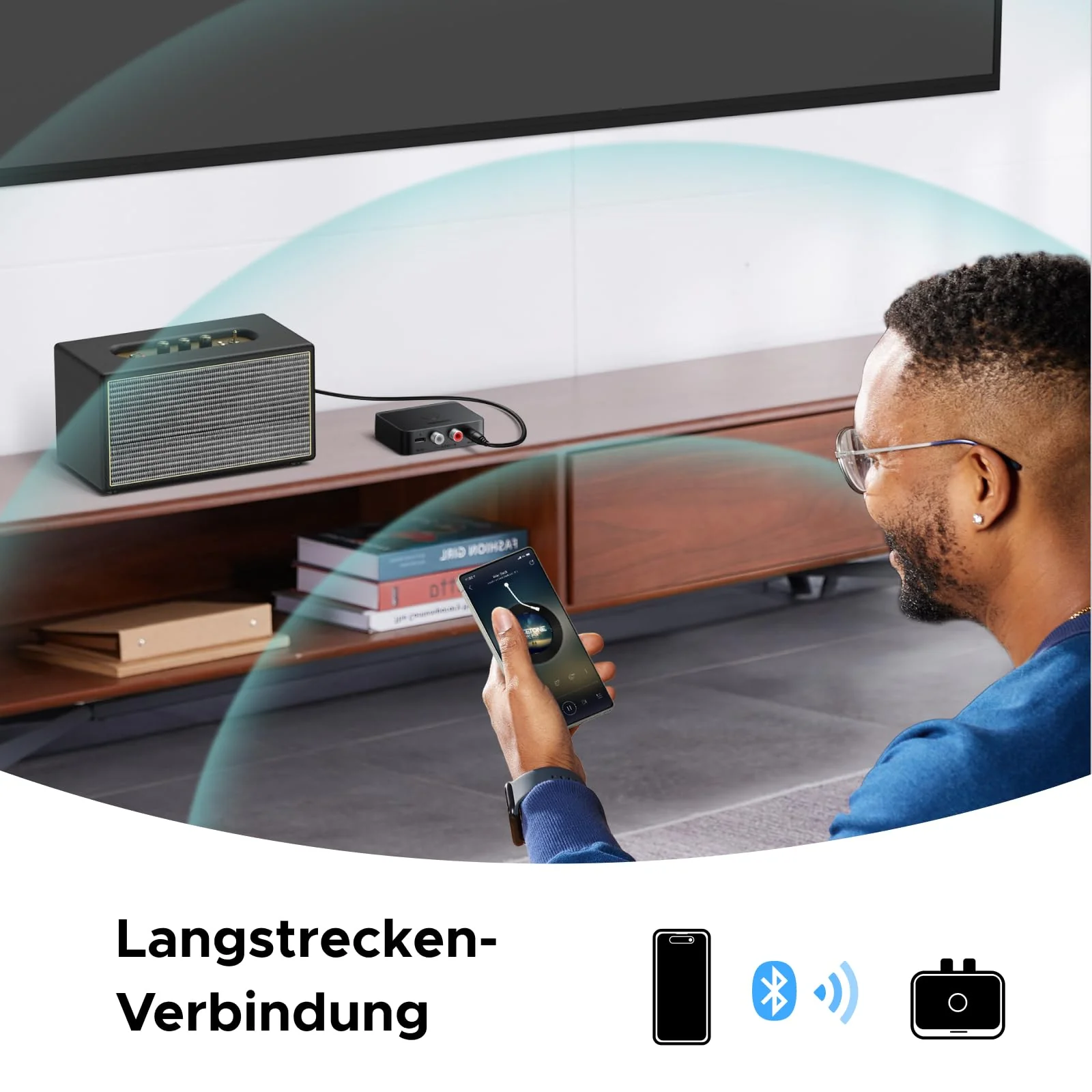
A3: LDAC has high requirements for connection distance and environment. Please select the appropriate bitrate on your phone according to the current environment. If the environment is enclosed or the distance between the product and the phone is far, please switch to a lower bitrate to ensure that audio playback is not delayed.

F4:What should I do if the volume is low after pairing?

A4:Android: Settings > Bluetooth > Connected Bluetooth Settings > enable the "Volume Synchronization" function and adjust the volume again.

iPhone: Settings > Sounds & Haptics > Headphone Safety > turn off the "Reduce Loud Sounds" option and reset the volume.

$6.48

Original: $21.60

-70%
UGREEN Bluetooth 6.0 LDAC Hi-Res Audio Adapter

$21.60

$6.48

Product Information

Shipping & Returns

Description

Bluetooth Adapter

Bluetooth Adapter


F1:How can I tell if my phone supports LDAC?

A1: Phones with Android 8.0 and above generally support LDAC. iPhones only support SBC/AAC coding, but not LDAC. You can also check your phone's manual to confirm.

F2:How can I tell if the product is LDAC-capable?

A2:The product gives LDAC priority by default, and the product indicator lights up green when audio is being played at this time. On some phones, LDAC may need to be enabled manually. Please contact your phone manufacturer to inquire about the way to enable LDAC.
F3:Why should I select the bitrate?

A3: LDAC has high requirements for connection distance and environment. Please select the appropriate bitrate on your phone according to the current environment. If the environment is enclosed or the distance between the product and the phone is far, please switch to a lower bitrate to ensure that audio playback is not delayed.

F4:What should I do if the volume is low after pairing?

A4:Android: Settings > Bluetooth > Connected Bluetooth Settings > enable the "Volume Synchronization" function and adjust the volume again.

iPhone: Settings > Sounds & Haptics > Headphone Safety > turn off the "Reduce Loud Sounds" option and reset the volume.